
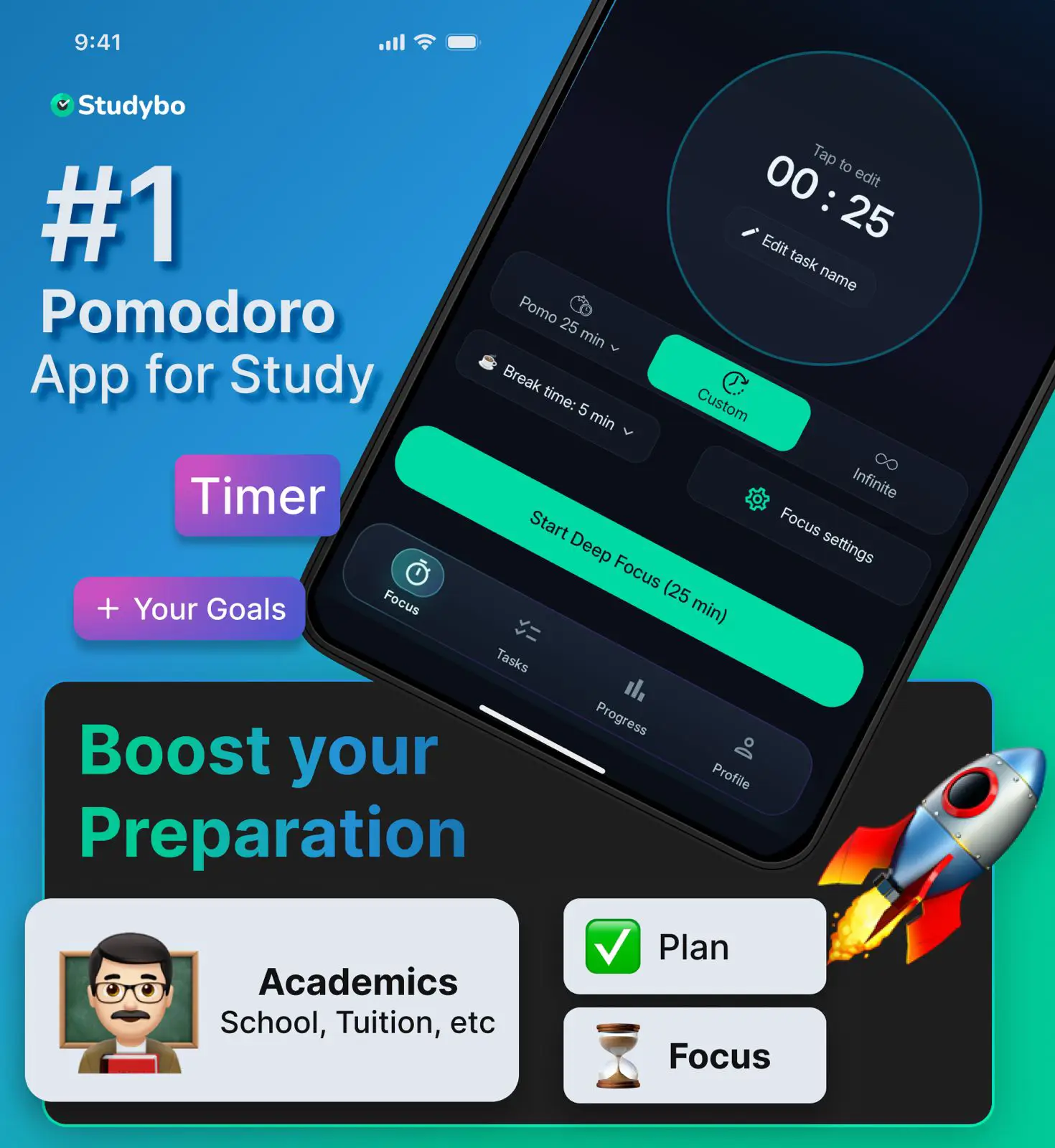

Study Smarter with Pomodoro Timer & Focus Tracker

The real Studybo app runs live below — tap to explore Timer, Planner, Progress, and distraction-free Focus Lock.

Swipe or tap tabs · Auto-plays when idle

Pomodoro Timer

Deep focus, one session at a time

Pick Pomodoro, custom, or infinite mode — then start a protected focus session.

  • Open the Focus tab and set your study goal
  • Browse Pomodoro, Custom, and Infinite modes
  • Pomodoro is featured — pick your session duration
  • Start the session and watch the aurora timer ring
Tasks & Planner

Plan your week, crush today

Boards for Today, Schedule, Overdue, and Done — all synced to your curriculum.

  • See today's tasks grouped by time of day
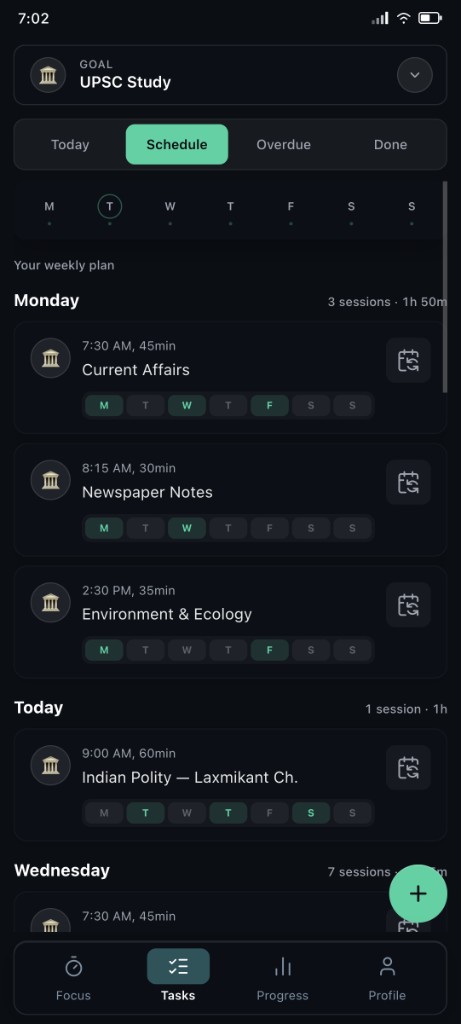
  • Switch to Schedule for your weekly plan
  • Tap a planned session to view or edit details

Progress

Watch your study hours compound

Charts, streaks, and calendars show how consistent you've been.

  • Daily view breaks down focus by hour
  • Weekly trend shows day-over-day growth
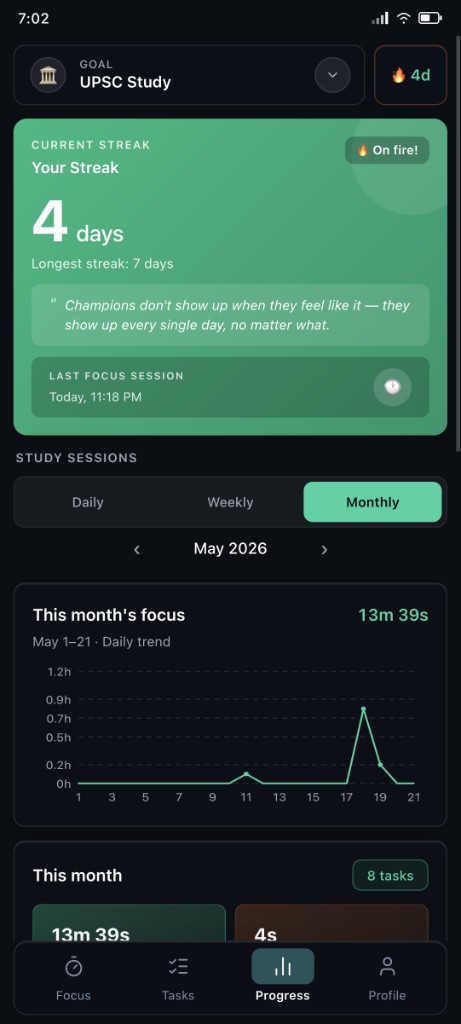
  • Monthly calendar highlights your streak days

Focus Lock

Distraction-free study mode

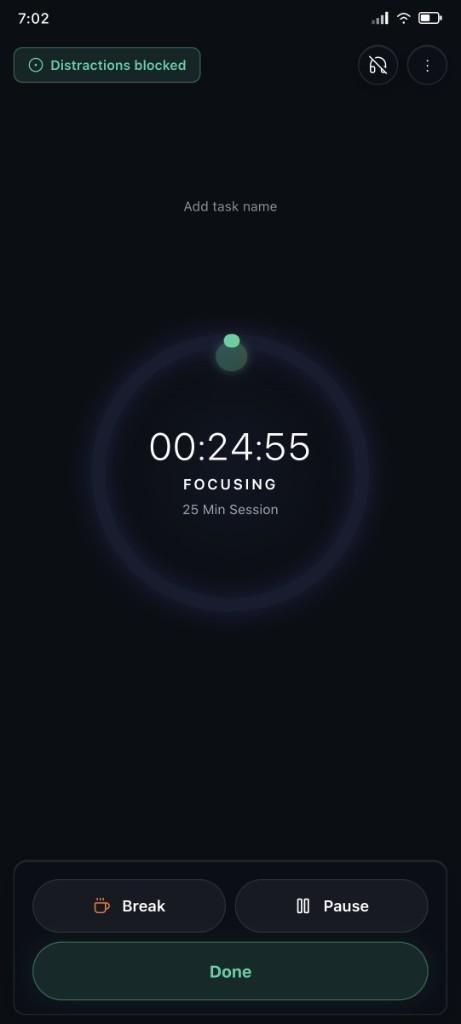
Block distracting apps while your timer runs — stay in the zone.

  • Focus Lock shields you from app distractions
  • See the lock badge when protection is active
  • Start a session with apps blocked automatically

How Studybo Works

Four simple steps to build unstoppable study habits and track your growth.

Focus timer with Pomodoro sessions in Studybo

Focus Deeper

Use the built-in Pomodoro timer to study in concentrated sessions and eliminate distractions.

Plan weekly study schedule in Studybo

Plan Your Week

Set up your weekly time table and let Studybo keep you on schedule with smart reminders.

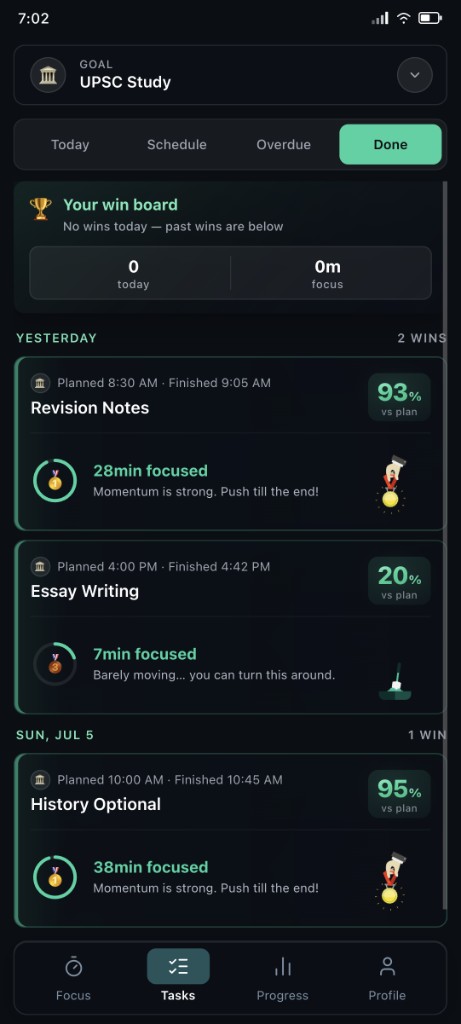
Track study wins and focus time in Studybo

Track Growth

Watch your learning hours compound over time with beautiful progress charts and subject breakdowns.

Build daily study streaks in Studybo

Build Streaks

Stay consistent every day — Studybo rewards your dedication with visual streaks that keep you motivated.

← Swipe to explore →

What Students Are Saying

4.9
★★★★★
on Google Play

Crush your goals

Create a study goal for each part of your life — school, coaching, skills, and more. Plan your week, focus daily, and track every win.

JEE NEET UPSC CBSE College Self-study
  1. Create a goal

    Pick School, Tuition, Skills, Homework, or Hobby

  2. Build your weekly schedule

    Set times and session lengths for each day

  3. Focus and finish tasks

    Timer, boards, and streaks keep you on track

Every goal flows through four boards

  • Today Daily tasks
  • Schedule Weekly plan
  • Overdue Catch up
  • Done Win board

Start with your first study goal

Free on Android — set up school or coaching in minutes.

4.9 on Google Play
Download from Google Play Store

Frequently Asked Questions

Find answers to common questions about Studybo and how it can help you succeed.

How does Studybo help me stay organized?

Studybo helps you organize all your academic activities into categories (School, Tuition, Skills, Homework, Hobby), create weekly schedules, and track your progress. The app sends timely notifications to remind you of upcoming tasks and allows you to visualize your workflow through task boards.

Can I modify my schedule after creating it?

Yes, absolutely! Studybo is designed to be flexible. You can modify your plans anytime or adjust today's tasks to adapt to changing priorities. Life happens, and Studybo makes it easy to update your schedule as needed.

How does the notification system work?

Studybo sends you timely reminders to start your study plans based on the schedules you create. You'll receive notifications about upcoming tasks and when it's time to begin a scheduled activity. You can customize notification settings to suit your preferences.

Is Studybo available on both iOS and Android?

Yes, Studybo is available for both iOS and Android devices. You can download it from the App Store or Google Play Store and use it on your smartphone or tablet.

How does Studybo track my progress?

Studybo tracks your progress by recording when you start and complete tasks. It visualizes this data to show your accomplishments over time, helping you identify patterns and areas for improvement. In future updates, we'll be adding more detailed progress analytics with graph visualizations.

Is my data secure with Studybo?

Yes, we take data security very seriously. Your personal information and study data are encrypted and stored securely. We do not share your data with third parties without your consent. You can review our privacy policy for more details.

Ready to Transform Your Study Routine?

Join thousands of students already using Studybo on Android. Stay organized, focused, and on track to achieve your educational goals.

Be among the first students to use Studybo

★★★★★
Built to help students stay focused, productive, and consistent
Studybo App on Mobile Device